Choose your target version
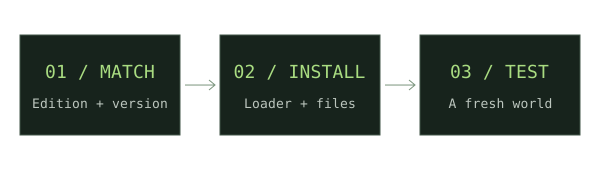
Read the mod’s original release page first. Write down the Minecraft and Forge requirements, including any libraries.
Get the official installer
Use the Minecraft Forge downloads site and select the target game version. Follow the installer’s client setup for your launcher.
Create an isolated profile
Use a dedicated game directory. Launch the Forge profile once and close it before adding files.
Install the selected files
Put the Forge mod jar and its declared dependencies in that profile’s mods folder. Do not substitute a Fabric or NeoForge build.
Test your setup
Open a new world first. If it fails, inspect the latest log for missing dependencies or version constraints.
If something does not work
Confirm the selected launcher profile, the game directory, and the exact Forge requirement. Add one mod at a time when narrowing down a conflict.
For new weapon downloads, start with our Minecraft Throwing Disc field guide, then compare Pokato’s Java mod and CadenceDev’s Bedrock add-on against your setup.
Sources & verification
Primary sources take priority. A listed source establishes declared support; it is not an in-game test.
Developer documentationMinecraft Forge downloadsMinecraft Forge · Verified Nov 17, 2026