Confirm platform support
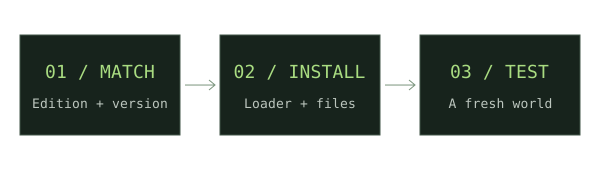
Use a Bedrock add-on, not a Java jar. Read the author’s version requirements and device instructions; console workflows may differ.
Back up your world
Make a copy before changing its packs. Use a new test world for your first installation.
Import the package
On a supported device, open the author’s .mcaddon or .mcpack with Minecraft and wait for the import result.
Activate the packs
Edit the test world settings. Activate the required behavior and resource packs. Enable experiments only if the author explicitly requires them.
Check in the world
Load the world, inspect the documented items, and test the mechanics. Read the creator’s instructions for multiplayer requirements.
If something does not work
An imported pack is not necessarily activated. Recheck world settings and any version constraints. Avoid repeatedly importing duplicates while troubleshooting.
For new weapon downloads, start with our Minecraft Throwing Disc field guide, then compare Pokato’s Java mod and CadenceDev’s Bedrock add-on against your setup.
Sources & verification
Primary sources take priority. A listed source establishes declared support; it is not an in-game test.
OfficialGetting started with Minecraft Add-onsMicrosoft Learn · Verified Nov 17, 2026