Start with the announcement
Read Mojang’s feature description and current release status. Keep the official item separate from community interpretations.
Find an original project
Search established mod platforms for the item name. Open the creator’s project page rather than an anonymous file mirror.
Read the description
Compare the mod’s mechanics with the official announcement. Extra recipes, enchantments, or stats can be the creator’s own design.
Match the release file
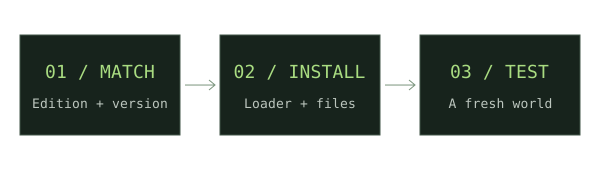
Check your edition, game version, loader, dependencies, and installation side against the exact download.
Keep the source
Bookmark the original file page and note the check date. Visit it again when updating your instance.
If something does not work
If no verified resource is listed, use the source platforms directly. Never assume a similarly named mod implements the official feature exactly.
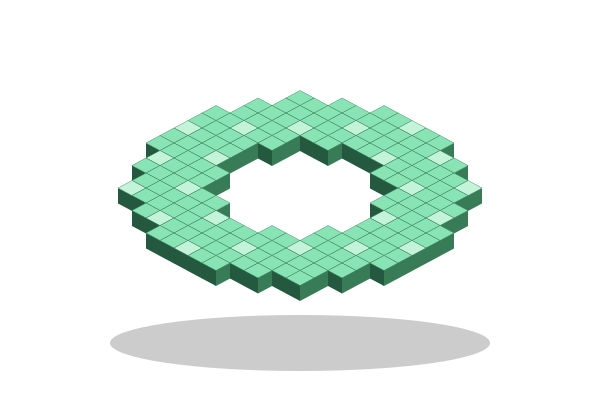
For new weapon downloads, start with our Minecraft Throwing Disc field guide, then compare Pokato’s Java mod and CadenceDev’s Bedrock add-on against your setup.
Sources & verification
Primary sources take priority. A listed source establishes declared support; it is not an in-game test.
OfficialTwitchCon reveals the first game drop features of 2027Mojang Studios · Verified Nov 17, 2026Community projectThrowing Disc by PokatoCurseForge / Pokato · Verified Nov 17, 2026